Product Description
What it is, precisely
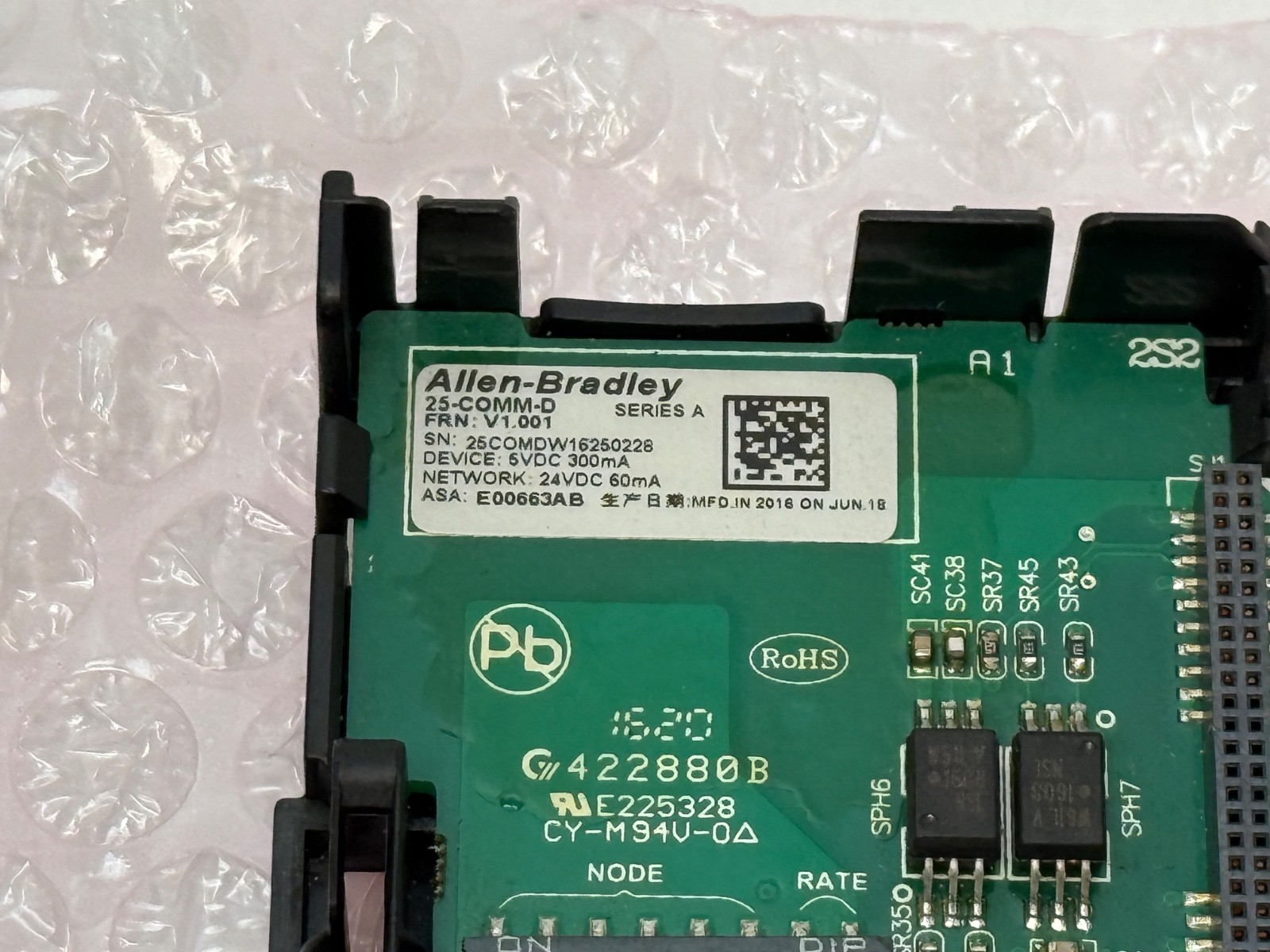
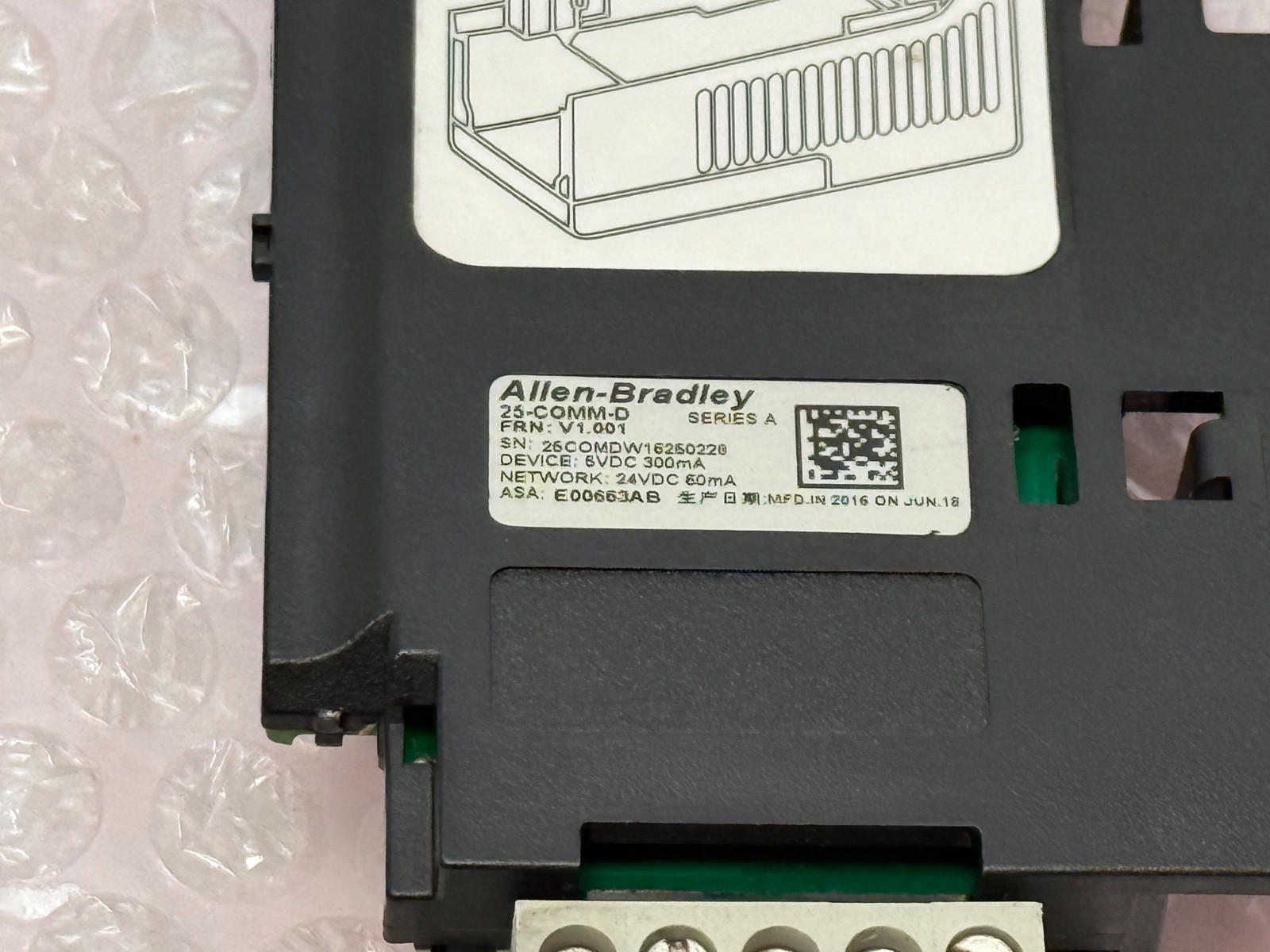
The 25-COMM-D is Rockwell Automation’s DeviceNet communication adapter for the PowerFlex 520-series drives – the PowerFlex 523 and 525. Rockwell’s own manual for this catalogue number is publication 520COM-UM002, “PowerFlex 525 DeviceNet Adapter, Catalog Number 25-COMM-D”, and distributors list it as the PowerFlex 520-Series DeviceNet Communication Adapter. Worth being blunt about this because the internet is not: this is not the PowerFlex 4/40 card. The 4-class and 40-class drives use the 22-COMM-D. The “25-” prefix ties this card to the 520-series option bay. Check the drive family before ordering.
What is physically in the box
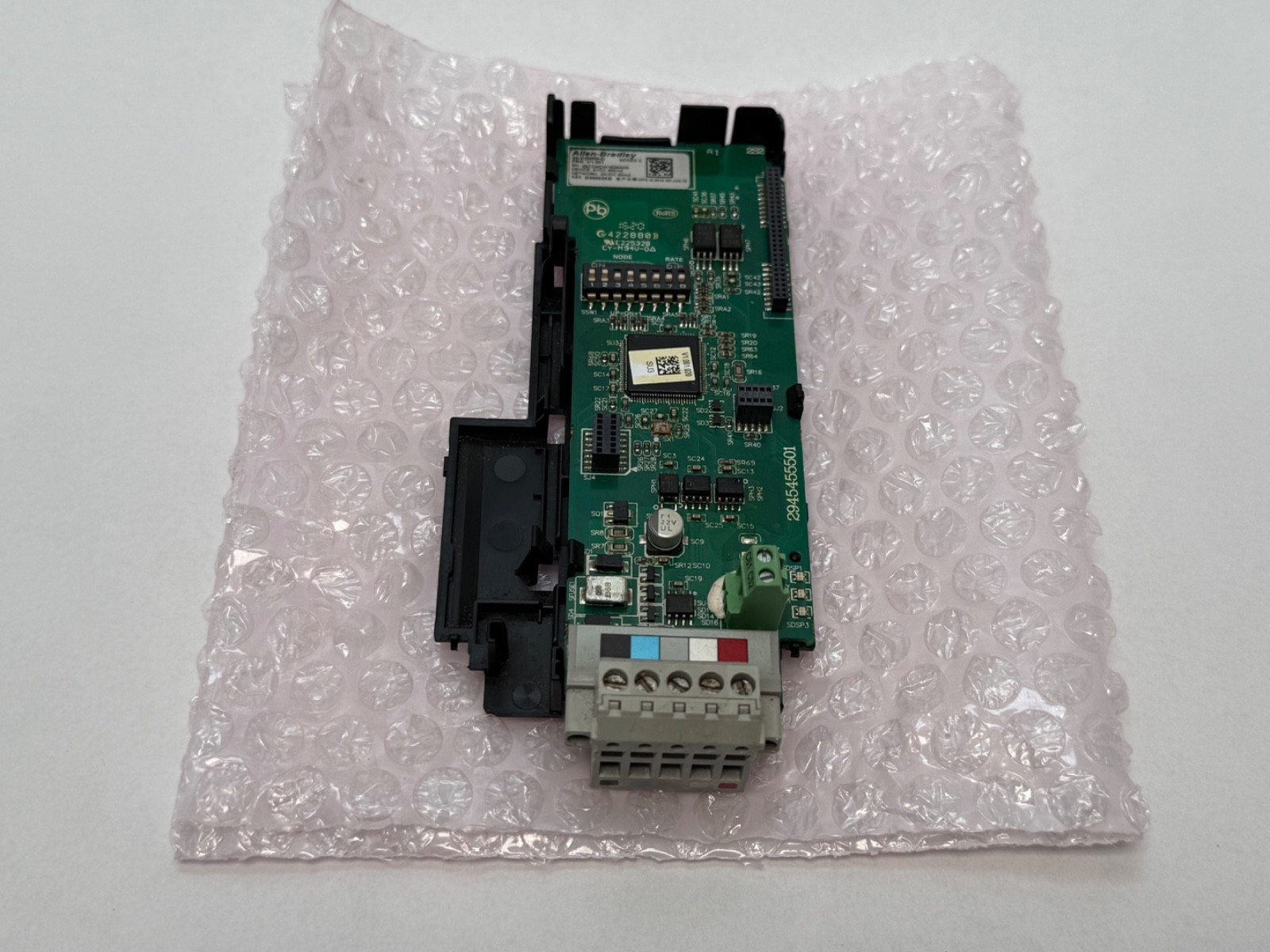
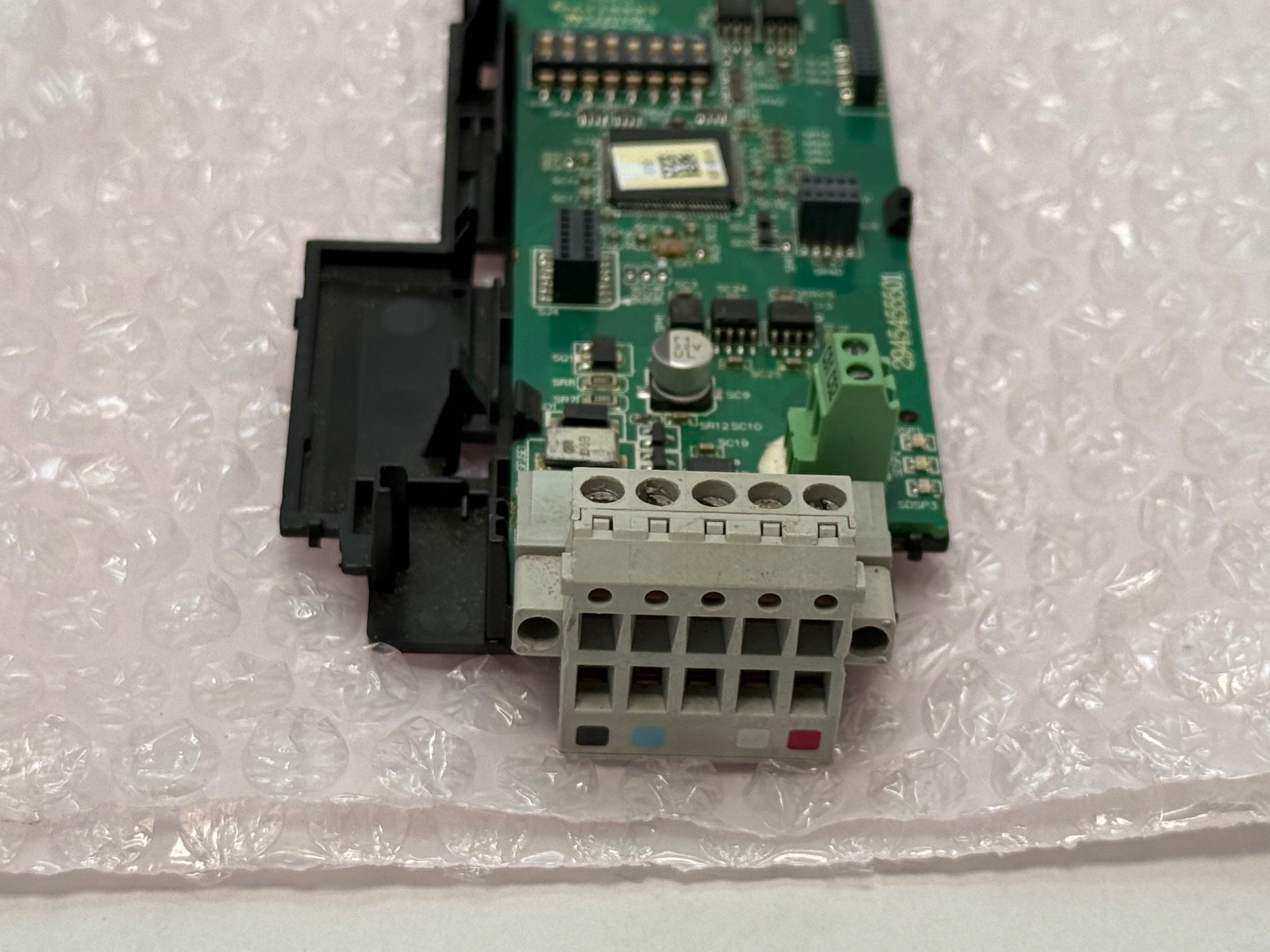
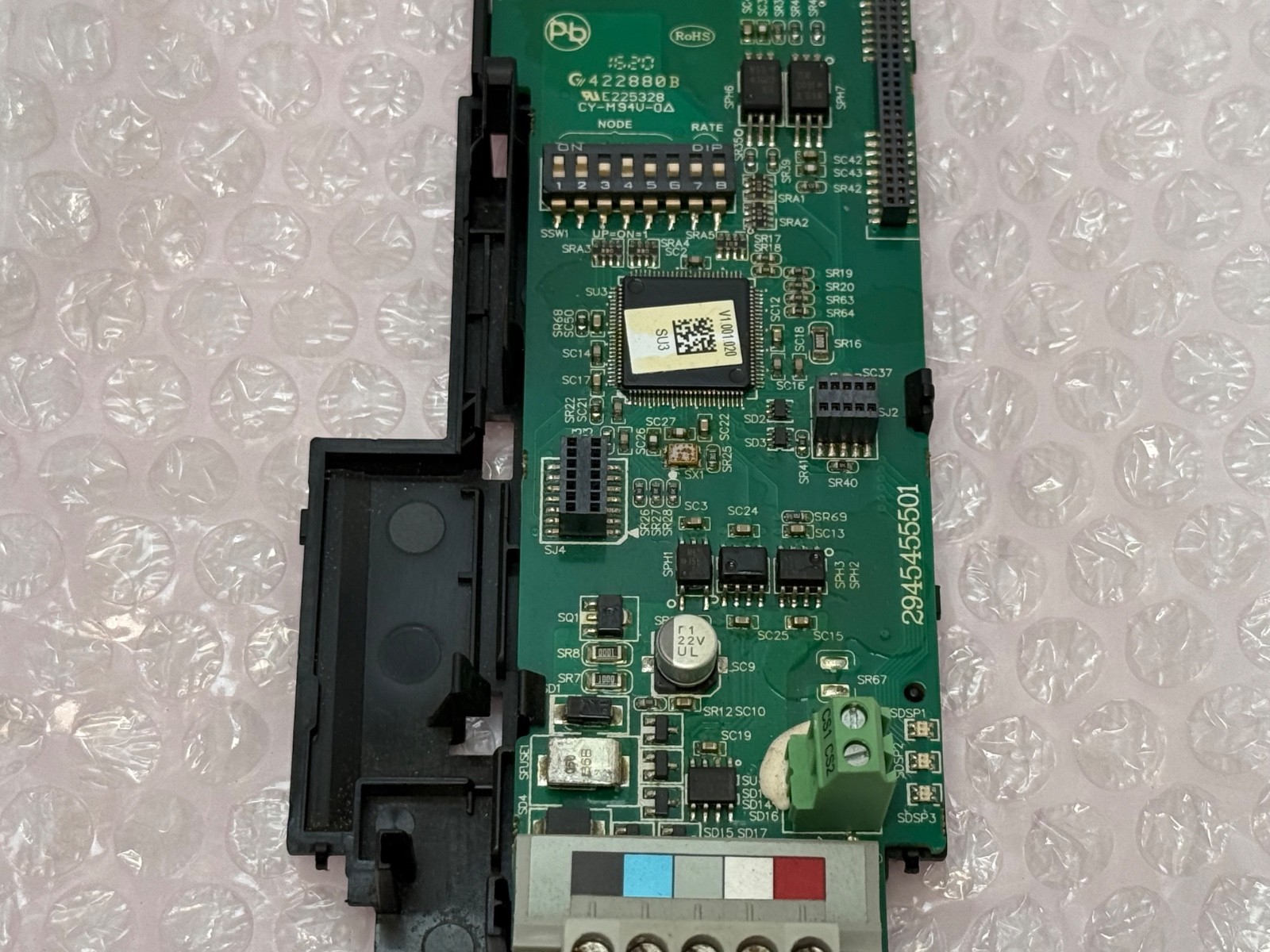
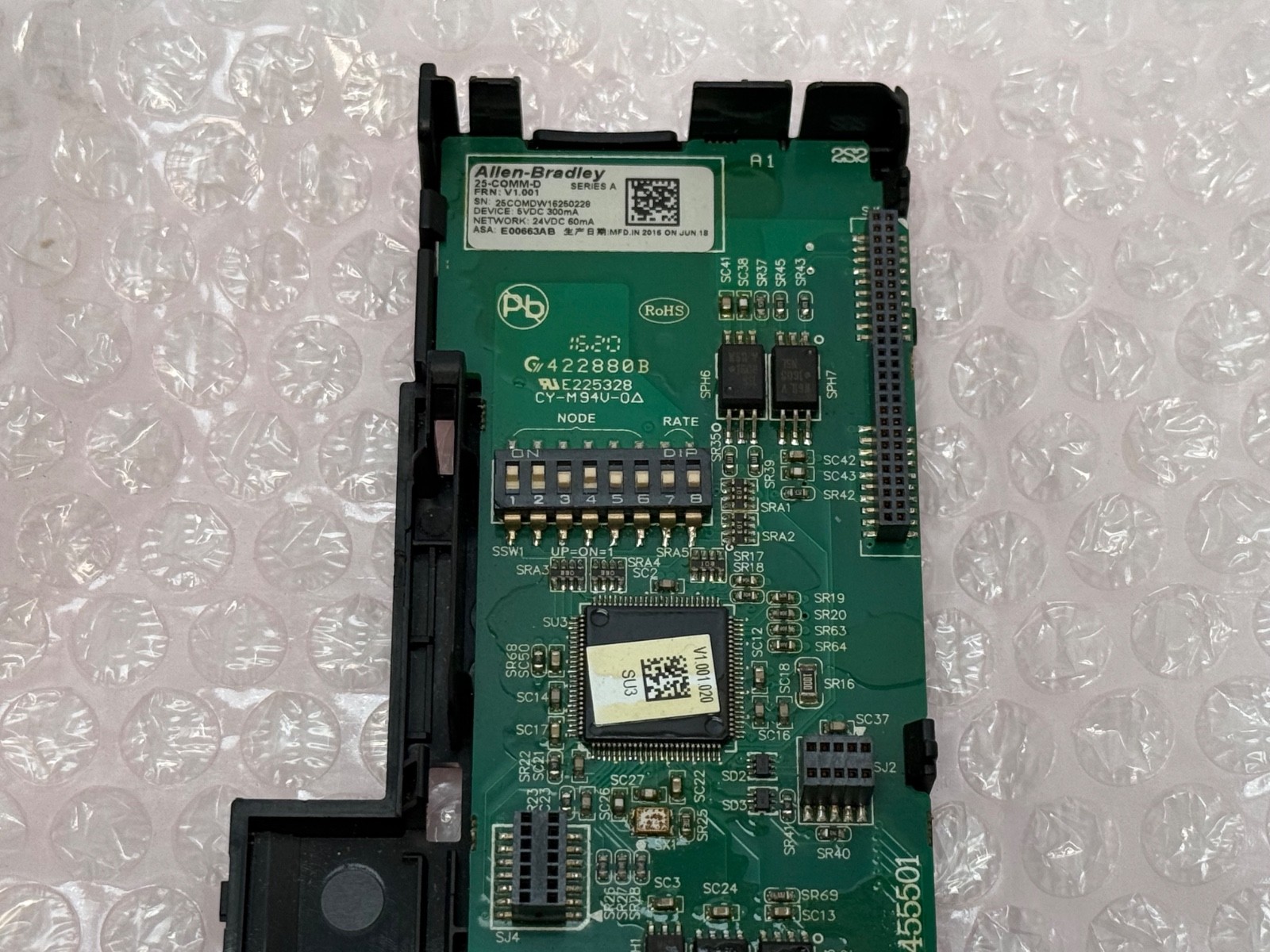
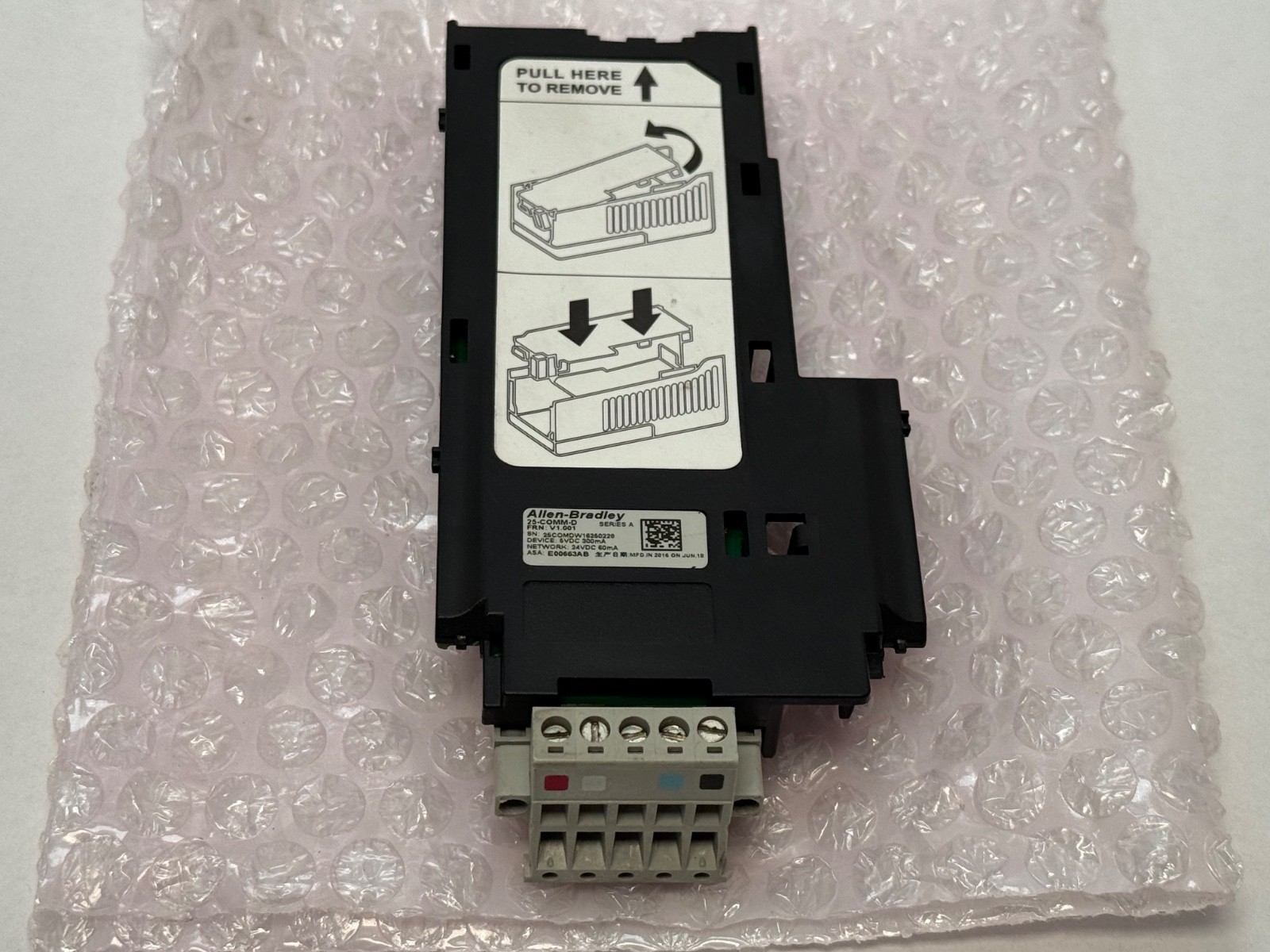
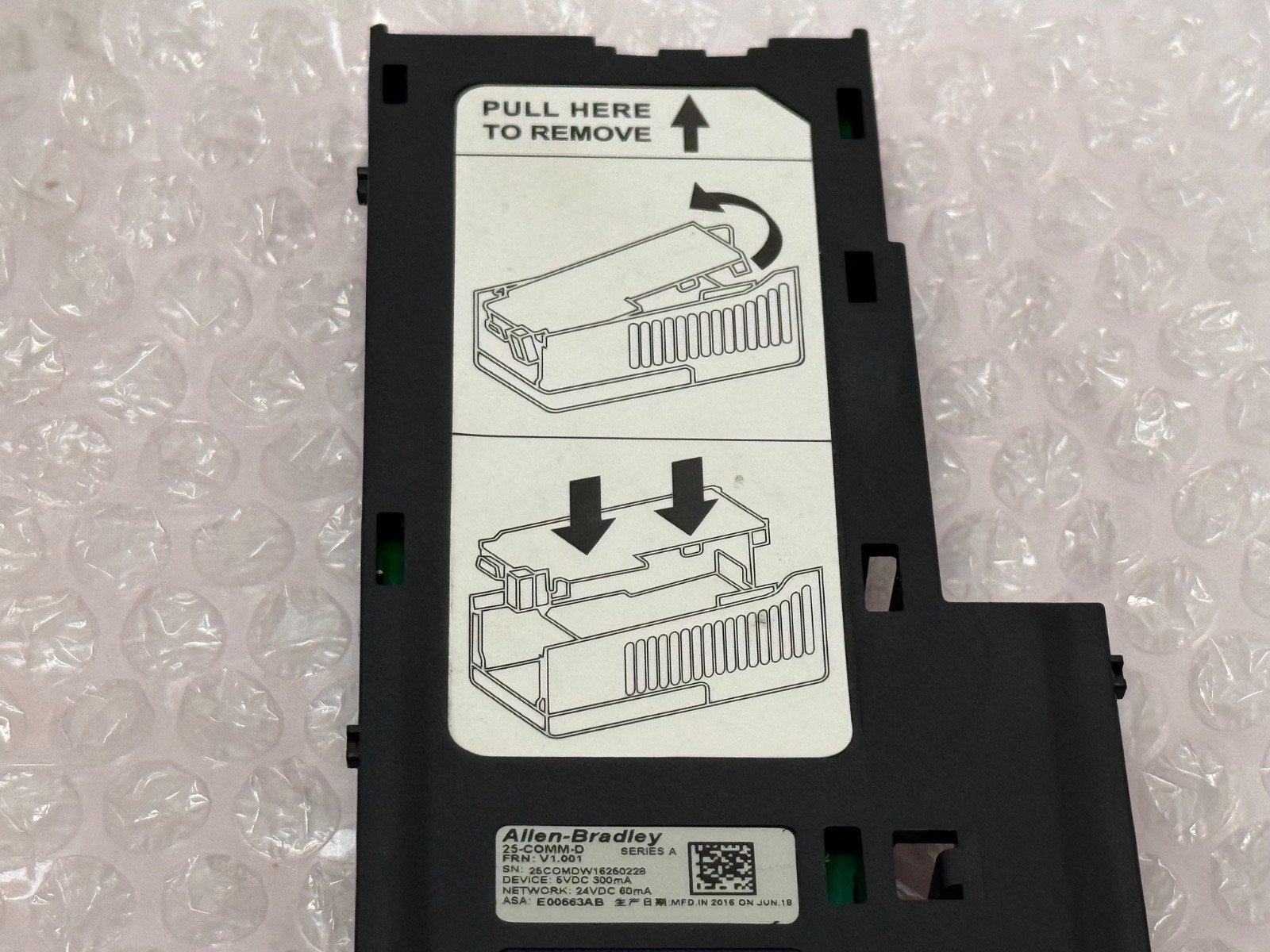
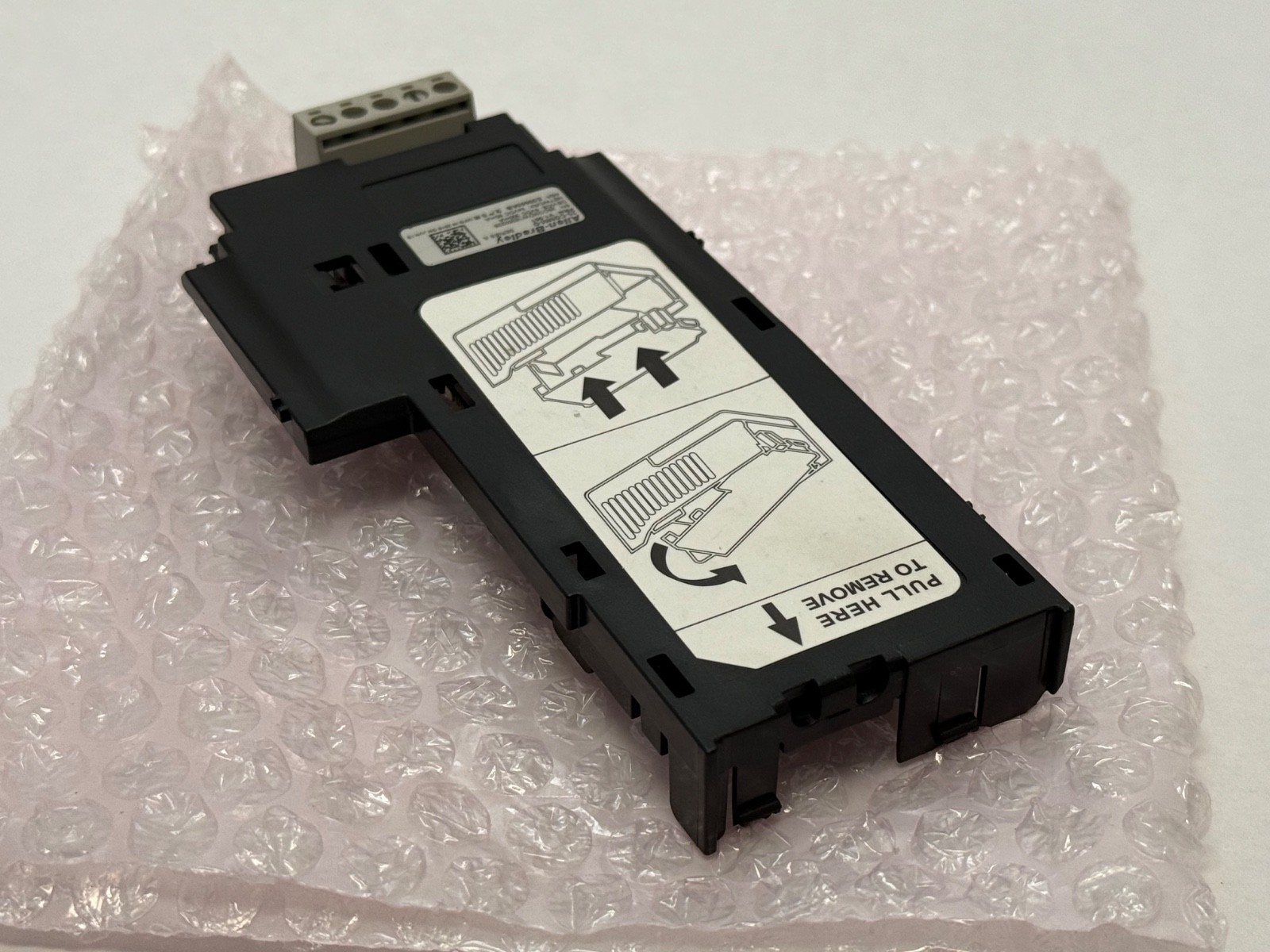
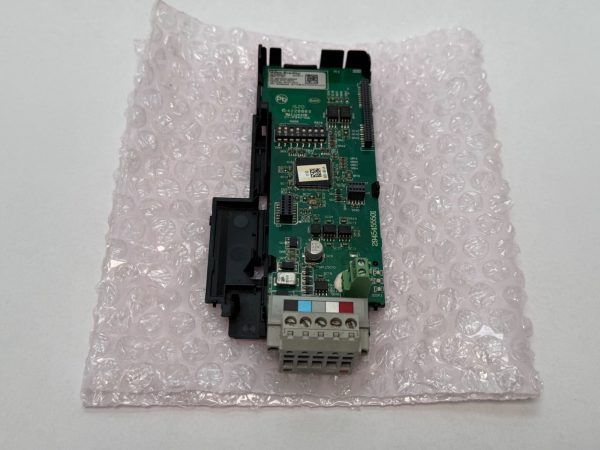
As photographed: the adapter circuit board with its moulded plastic carrier/cover, the 40-pin female drive header that mates into the drive’s option bay, the on-board DIP switch bank for node address and data rate, the LED status indicators, and the 5-pin removable DeviceNet terminal block with the standard colour-coded key (black V-, blue CAN_L, bare drain/shield, white CAN_H, red V+). Board marking 2945455501, Series A. It is the adapter only – no drive, no DeviceNet cable, no drop cable, no terminating resistors.
Setting it up – the things that actually cause the fault:
Node address and data rate are set in hardware on the card, on the switches visible in the photographs. Data rates available are 125 kbps, 250 kbps, 500 kbps, or Autobaud (the default). Autobaud is convenient but only works if at least one other node is already talking on the segment at a fixed rate – on a network where every node is set to autobaud, nothing comes up. Fix the scanner’s rate.DeviceNet is a powered network. V+ and V- on the 5-pin block carry the 24 V DC network supply that runs the adapter’s transceiver; the drive does not supply it. If the card looks dead, check network power at the connector before condemning the card.Termination. A DeviceNet trunk needs a 121 ohm resistor at each physical end. Missing terminators are the single most common cause of intermittent DeviceNet errors, and they are not supplied with this adapter.Internal mount. The card fits inside the drive’s option bay rather than hanging off the outside, so it consumes no panel space and needs no separate enclosure – but it also means the drive has to come off the wall to fit or swap it.
Why put a drive on DeviceNet
Replacing discrete wiring with a network drop is the practical argument: start, stop, direction, jog, speed reference, ramp selection and fault reset all move onto one four-conductor cable, and in return you get back drive status, output current, frequency, fault codes and full parameter read/write from the controller. On a line with a dozen small drives that is a dramatic reduction in panel terminations and troubleshooting time – you read the fault code from the HMI instead of walking to the drive.
Obsolescence, honestly stated
DeviceNet is a mature CIP network that Rockwell still supports but no longer leads with; new PowerFlex 520-series installations are far more likely to be specified on EtherNet/IP using the 25-COMM-E2P. The reason to buy a 25-COMM-D is that you have an existing DeviceNet segment with a DeviceNet scanner and no appetite to re-architect the network for one drive replacement. In that situation it is the only sensible part, and new-old-stock availability is what keeps the line running.
Related option cards for the same drive family
25-COMM-E2P (dual-port EtherNet/IP), 25-COMM-P (Profibus DP), 25-COMM-S (RS-485 DF1), 25-COMM-L (extended I/O). For the earlier PowerFlex 4/40/400 drives the DeviceNet equivalent is 22-COMM-D, and for the 70/700 class it is 20-COMM-D – all three are different cards and none interchange.
Quantity
One adapter card with carrier and its 5-pin removable DeviceNet terminal block, exactly as photographed. New old stock, supplied without retail packaging or documentation.




 store
store