
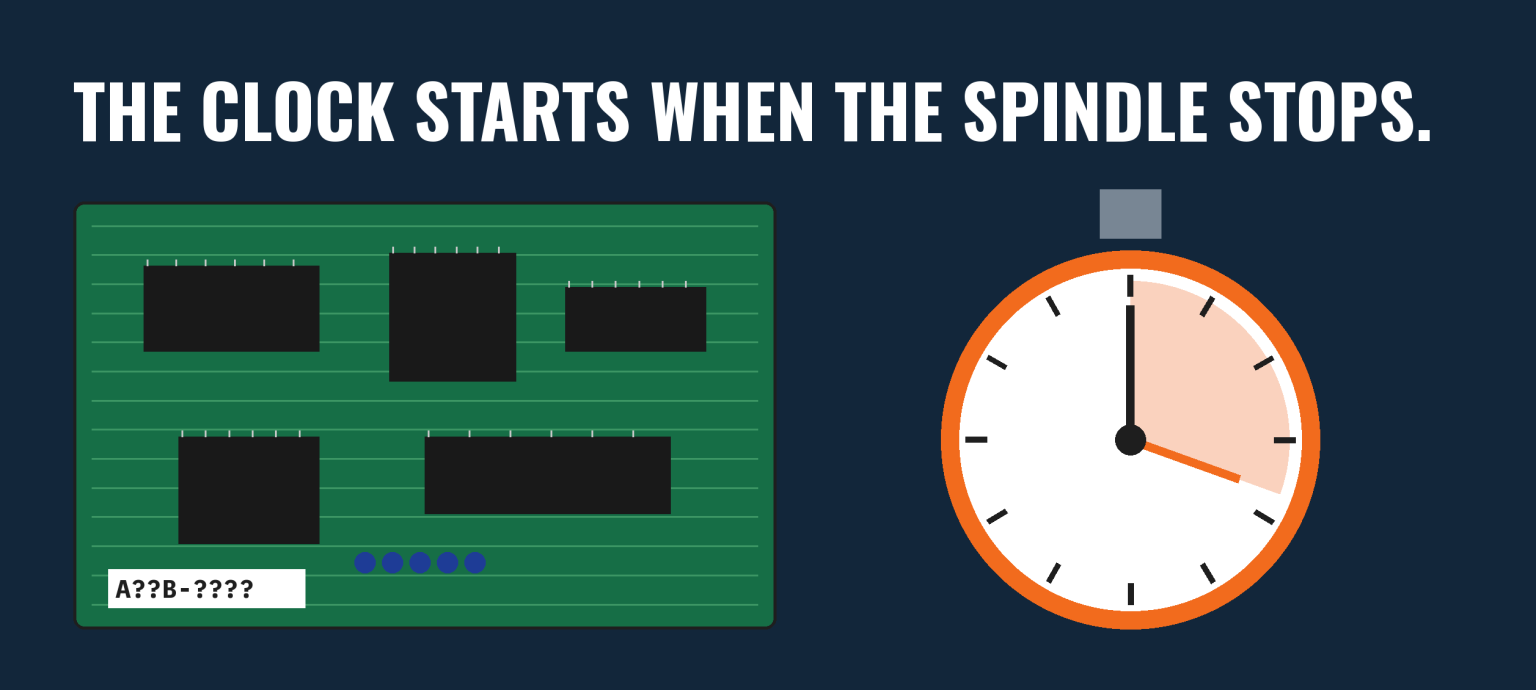
Siemens put a number on the bad day you’re having. Its 2024 True Cost of Downtime report estimates the world’s 500 largest companies lose roughly $1.4 trillion a year to unplanned downtime, about 11% of revenue. Your machine is still down, and the board that took it out was built when flip phones were cutting-edge.
Sourcing replacement PCBs for legacy CNC machines isn’t a research project. It’s triage. Here’s how it runs when it runs well, hour by hour.
Legacy CNC boards rarely fail for exotic reasons. Electrolytic capacitors dry out after years of heat cycles. Coolant mist and metal dust find their way into cabinets that were sealed when the machine shipped and haven’t been since. Connectors oxidize. Cabinet fans quit, and nobody notices until the board behind them does.
None of that is a defect. It’s age. Which means the moment one board goes, you should assume the clock is running on the others in that cabinet, and on the identical machine two bays over. That’s the real reason to treat sourcing replacement PCBs for legacy CNC machines as a standing process, not an emergency you survive once.
Pull the board, or at least get a clear photo of every label on it. The base part number is half the story. Most CNC builders add suffixes, revision letters or version codes that decide whether a board will drop in or sit there blinking an alarm at you.
Label faded, scratched or missing? Photograph both sides of the board in good light, note every connector and its count, and pull the machine builder’s electrical drawings if you still have them. The control model plus a clean photo of the layout is often enough for a good supplier to identify the board.
And before anyone unplugs anything else: back up your parameters. On many older controls, the machine’s settings live in battery-backed memory. A dead battery and a swapped board on the same afternoon is how a two-hour fix becomes a two-week one.
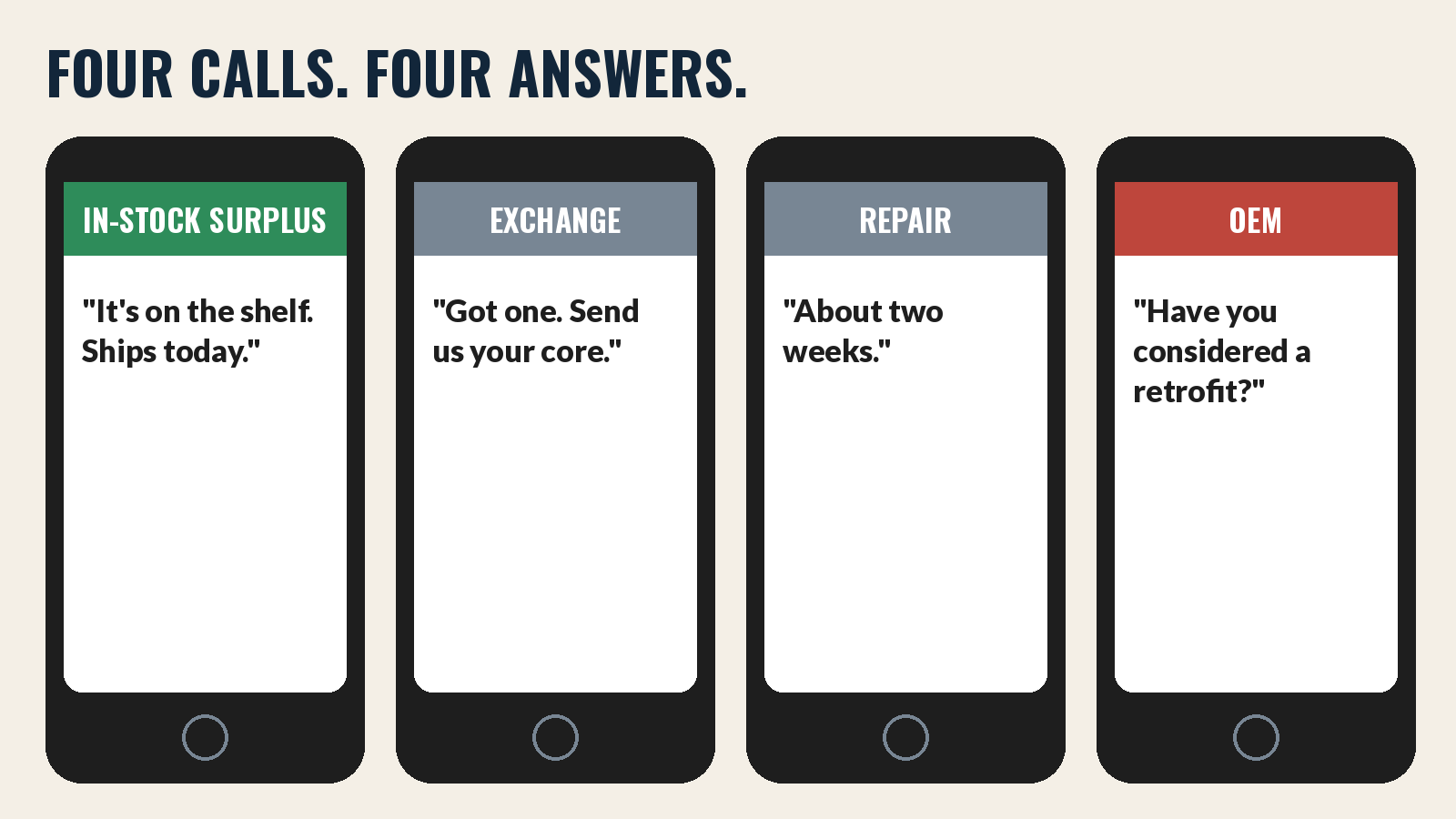
There are a few places replacement PCBs for legacy CNC machines come from, and they don’t move at the same speed.
A surplus house with the board on the shelf ships today. New-old-stock and pulled units from decommissioned machines are common for popular controls. Ask what condition it’s in, whether it’s been tested, and what the warranty is. Then ask for a photo of the actual board, label included. Any supplier who won’t send one is telling you something. Premium resellers display actual photos of the stock.
Some repair houses keep rebuilt boards on hand and swap them for your dead one, which goes back as the core. Fast when they have it, and the core charge comes back to you once your old board is received.
Sending your own board out keeps the exact revision you had, which removes the compatibility question entirely. The trade is time: repair turnaround is measured in days or weeks, not hours, and your spindle doesn’t care how good the work is. Downed lines average $260k per hour in lost revenue.
Worth one call, especially for newer legacy controls the builder still supports. For older ones, expect lead times, a migration conversation, or a polite referral back to options one through three.
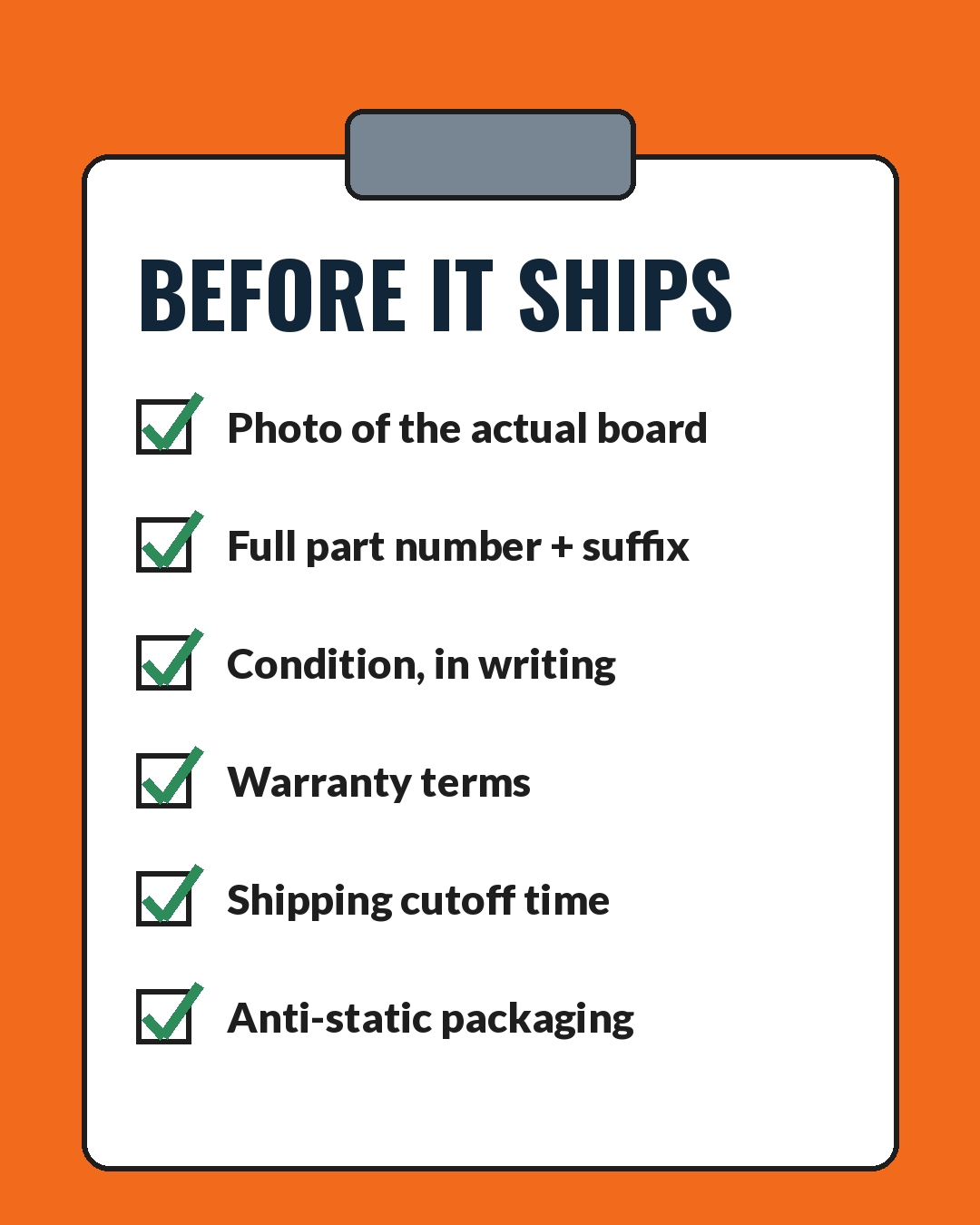
The cheapest moment to catch a wrong board is before the box is taped. When you’re buying replacement PCBs for legacy CNC equipment from any supplier, ask for:
Every one of those answers takes a decent supplier about thirty seconds. Hesitation is data.
Here’s the part nobody does. The board that failed once has siblings in your other machines, all the same age, all on the same capacitors. If the supplier had two, buy two. A spare in your crib costs less than one more day of this.
While you’re at it, list the boards across every legacy control on your floor and note which ones you’d never find in a hurry. That list is your next order, placed on a calm Tuesday instead of a panicked Friday.

Yes, MRO spares do have a holding cost. But that line down costs you way more.
There is a point where the board is the wrong problem. If three suppliers in a row come back empty, or the only units left are untested pulls at three times last year’s price, it’s time to price a control retrofit alongside the board. Keep sourcing replacement PCBs for legacy CNC controls while the retrofit gets quoted; the board buys you the months a retrofit takes. Just don’t let one cheap board talk you out of a decision the machine already made.
Sometimes. Newer revisions are often backward compatible, older ones less often. Give the supplier the full number and the control model, and get the compatibility answer in writing before it ships.
From a reputable supplier, yes. It’s the same board that ran in someone else’s machine.
In-stock surplus, almost always. Repair keeps your exact revision but takes days or weeks.
We stock surplus industrial automation parts for exactly this situation: CNC and control boards, servo amplifiers, drives and PLC modules from machines that were built to run for decades and mostly have. Send us the full part number and a photo of the label. Better yet, search the store. You’ll get a straight answer on what we have, what condition it’s in, and when it ships. If it’s not on our shelf, we’ll tell you that too, and you can move on to the next call without losing an hour. If you’re sourcing replacement PCBs for legacy CNC machines across a whole floor, we will do our best on low pricing for you.
Your machine has already given you enough surprises for one week. The parts supplier shouldn’t add another.
Need a legacy part? Make it easy. → Shop Industrial Automation



Our team can locate, cross-reference, and source all parts.
Our team can locate, cross-reference, and source all parts.