Read the Series Letter: Industrial Automation Part Numbers
Buying Guides, General MRO, Industrial Automation
How to read industrial automation part numbers on Allen-Bradley, Fanuc and Siemens labels: family, model and revision, so the replacement runs.
A PLC, drive or PCB part number tells you the family, the model and, if you read far enough, the revision that decides whether it actually works in your panel.
How to read industrial automation part numbers so the replacement plugs in and runs the first time.
The line is down. Someone pulls the dead card, photographs the label and sends it to purchasing.
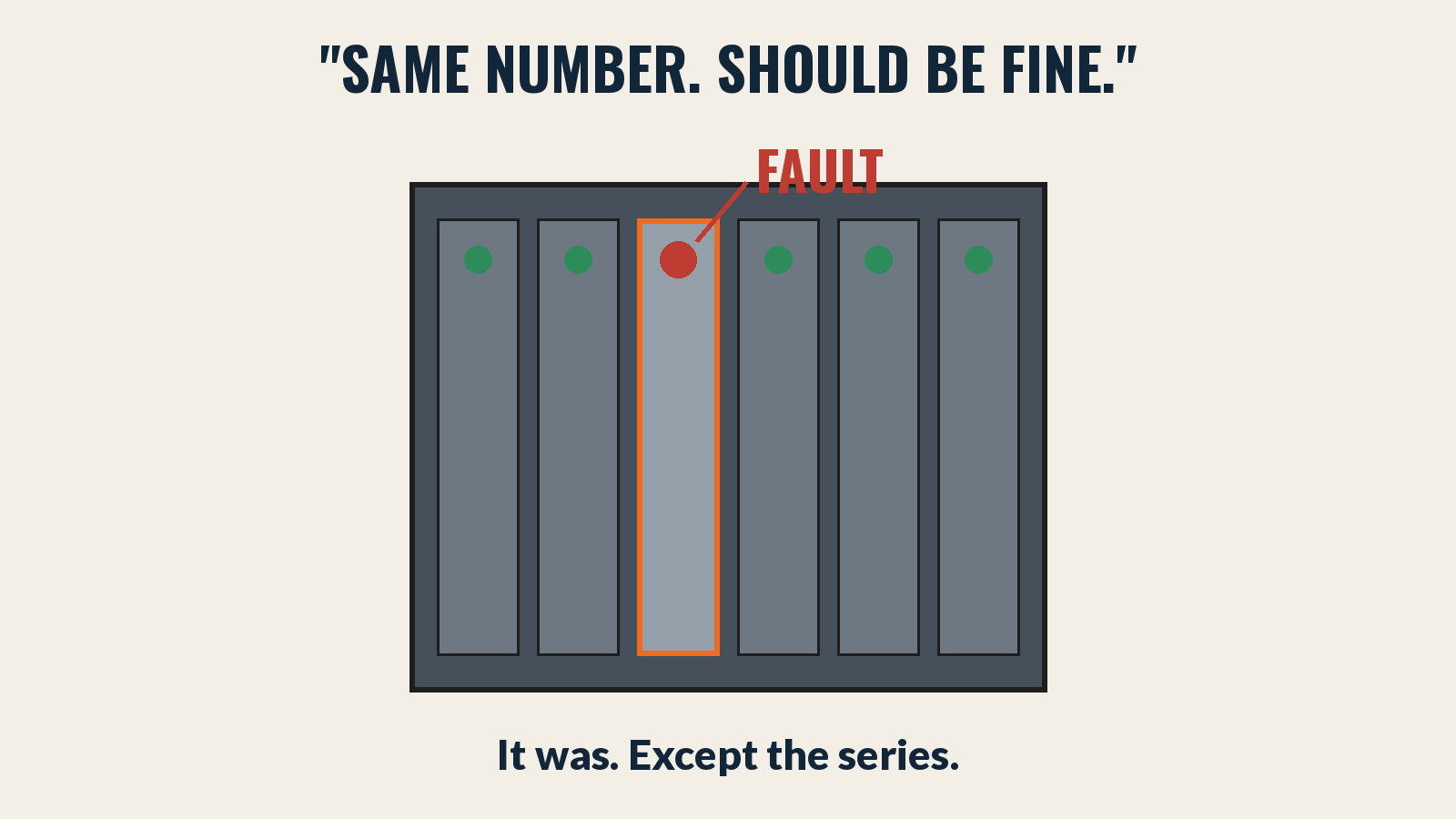
Purchasing orders the number in the photo. The new card arrives, goes in the rack, and faults.
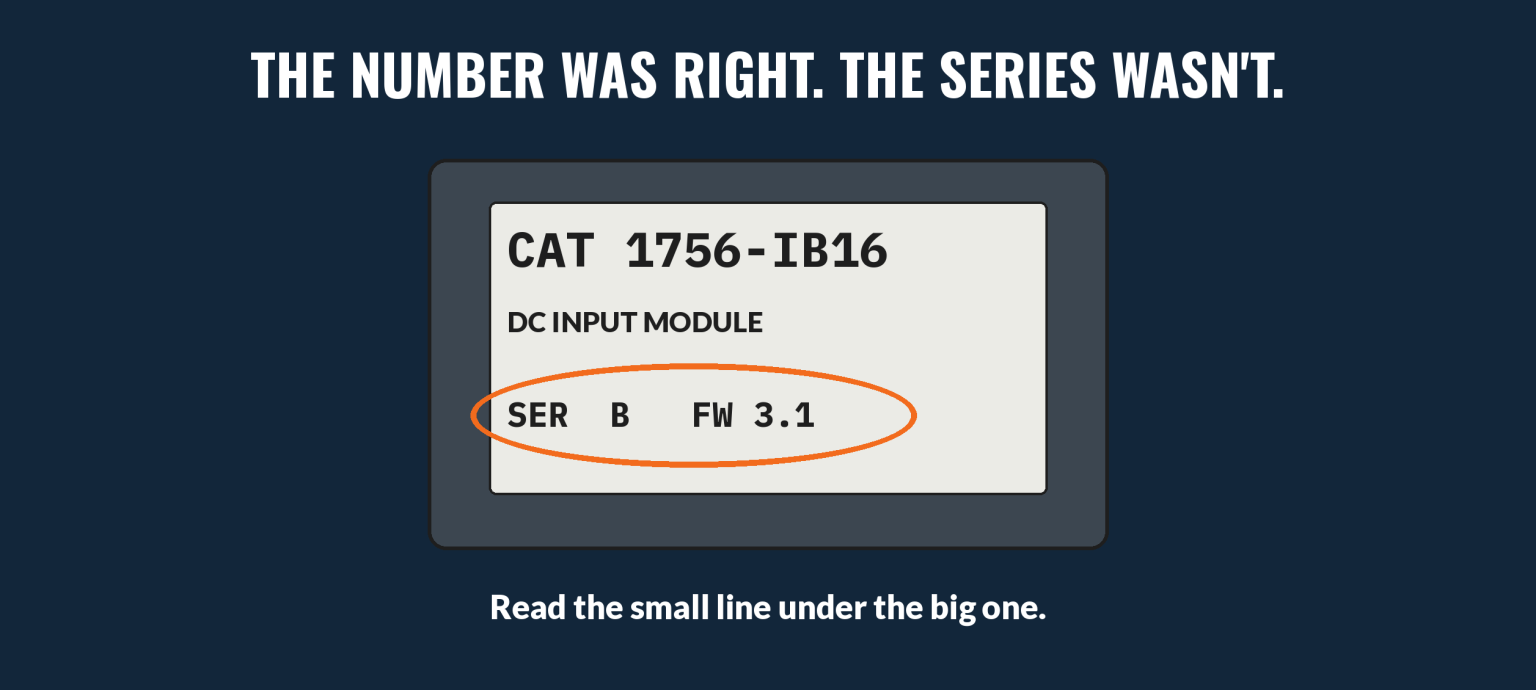
The number was right. The series wasn’t.
Industrial automation part numbers carry more than a model. They carry the series, the firmware and sometimes the hardware revision, and those are the details that decide whether a swap takes ten minutes or ten days.
Three Things Every Automation Label Tells You
Brand formats differ, but nearly every label answers the same three questions.
The family. Which platform it belongs to. A ControlLogix card won’t run in an SLC rack, however close the numbers look.
The model. The exact function: processor, I/O, power supply, axis module, drive.
The revision. Series letter, firmware or hardware revision. This is the part people skip, and the part that bites.
“Same catalog number, should be fine” is what the order says. “Different series, different firmware” is what the fault light says.
Reading the Big Three
Allen-Bradley (Rockwell)
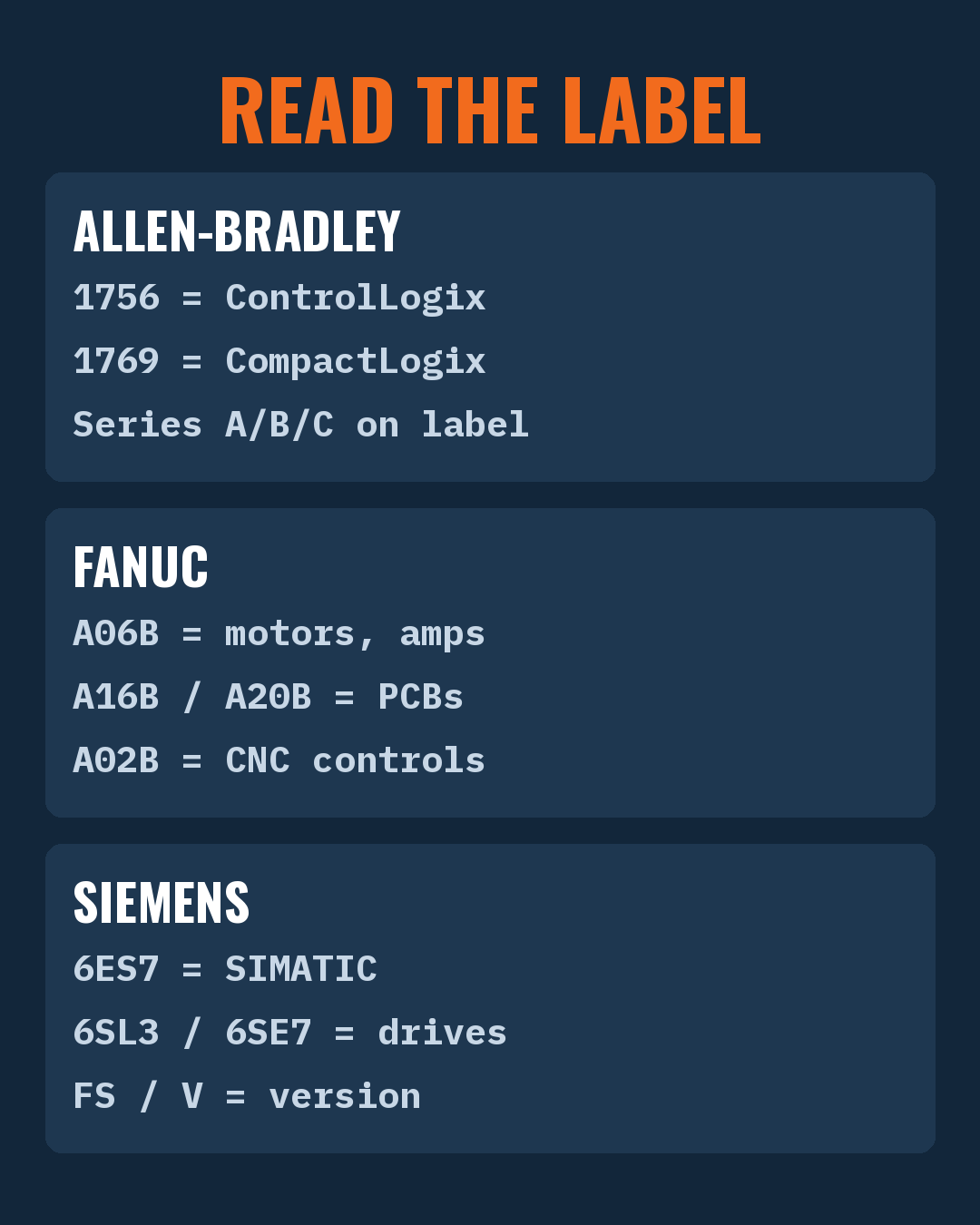
The first digits are the bulletin, which is the family. 1756 is ControlLogix. 1769 is CompactLogix. 1746 is SLC 500. 1771 is PLC-5.
After the dash is the model. 1756-L71 is a ControlLogix processor. 1756-IB16 is a 16-point DC input card.
The series letter is on the label, not in the catalog number. Series A, B, C. Check it, and check firmware for processors and comms modules.
Fanuc
The prefix is the family. A06B covers motors and servo and spindle amplifiers. A16B and A20B are printed circuit boards. A02B covers CNC control units.
The middle digits are the model. Two A06B numbers can be a motor and an amplifier, so read the full string.
The suffix and the edition matter. A board can carry a hardware edition letter that changes compatibility with the software on your control.
Siemens
The order number starts with the product group. 6ES7 is SIMATIC automation. 6SL3 and 6SE7 are drive families.
The rest of the number is the exact model, including variant. Siemens order numbers are long for a reason. Every character means something.
Versions are printed separately on the label: the product version (FS, for functional state) and the firmware version (V). Match them or plan to update.
(We see more failed swaps caused by series letters than by wrong catalog numbers. People read the big print and skip the small print.)
Where the Revision Actually Matters
Not every mismatch is a problem. Here’s how to triage it.
I/O cards: usually forgiving across series. Check the manual’s compatibility note anyway.
Processors and comms modules: firmware has to match your program or be flashable. Plan for it.
Drives and servo amplifiers: parameters, firmware and motor matching all matter. Save the parameter set before the old unit leaves the panel.
PCBs in CNC controls: hardware edition and software version have to agree. When in doubt, match the edition exactly.
Reading industrial automation part numbers well is mostly reading the small line under the big one.
Why Industrial Automation Part Numbers Get Misread
Labels fade. Stickers peel. A panel gets updated over twenty years, and three revisions of the same card end up running side by side.
The photo is too tight. It shows the catalog number and cuts off the series and firmware line.
The number gets retyped. An O becomes a 0, a B becomes an 8, and the search comes back empty.
Old and new prints differ. Industrial automation part numbers from the 1990s and today can describe the same unit in different formats.
Copy, don’t retype. Send the whole label, every time.
How to Order the Right Replacement
Photograph the whole label.
Catalog or order number, series, firmware and hardware revision.
Both sides of a board if there’s a second sticker.
The rack or slot it came from.
Match family, model, then revision.
Family and model must match exactly.
Same or newer revision is usually safest. Older can be fine for I/O, risky for processors.
Save programs and drive parameters before you swap.
Photos of the actual unit, so you can read the label yourself before you buy.
Same-day shipping on in-stock orders. Browse Fanuc parts too.
Who else lets you read the series letter on the exact card before it ships? Find your part.
Quick answers
What does the series letter mean on an Allen-Bradley module? It’s the hardware revision. Same catalog number, different series can mean different features or firmware support.
What is the difference between Fanuc A06B, A16B and A20B? A06B covers motors and amplifiers. A16B and A20B are printed circuit boards. Read the full number to know which.
Can I use a newer revision than the original? Often yes for I/O, sometimes with a firmware update for processors and drives. Check before you swap.
What should I save before replacing a drive? The parameter set. Without it, the new drive won’t know your motor.