When an HMI panel goes dark or a PLC module stops communicating, the machine it controls stops with it. Unlike a worn bearing or a failed contactor, these are digital, electrical control components, and replacing them correctly involves more than matching a part number. This guide covers what each component does and what to actually check before you order a replacement.
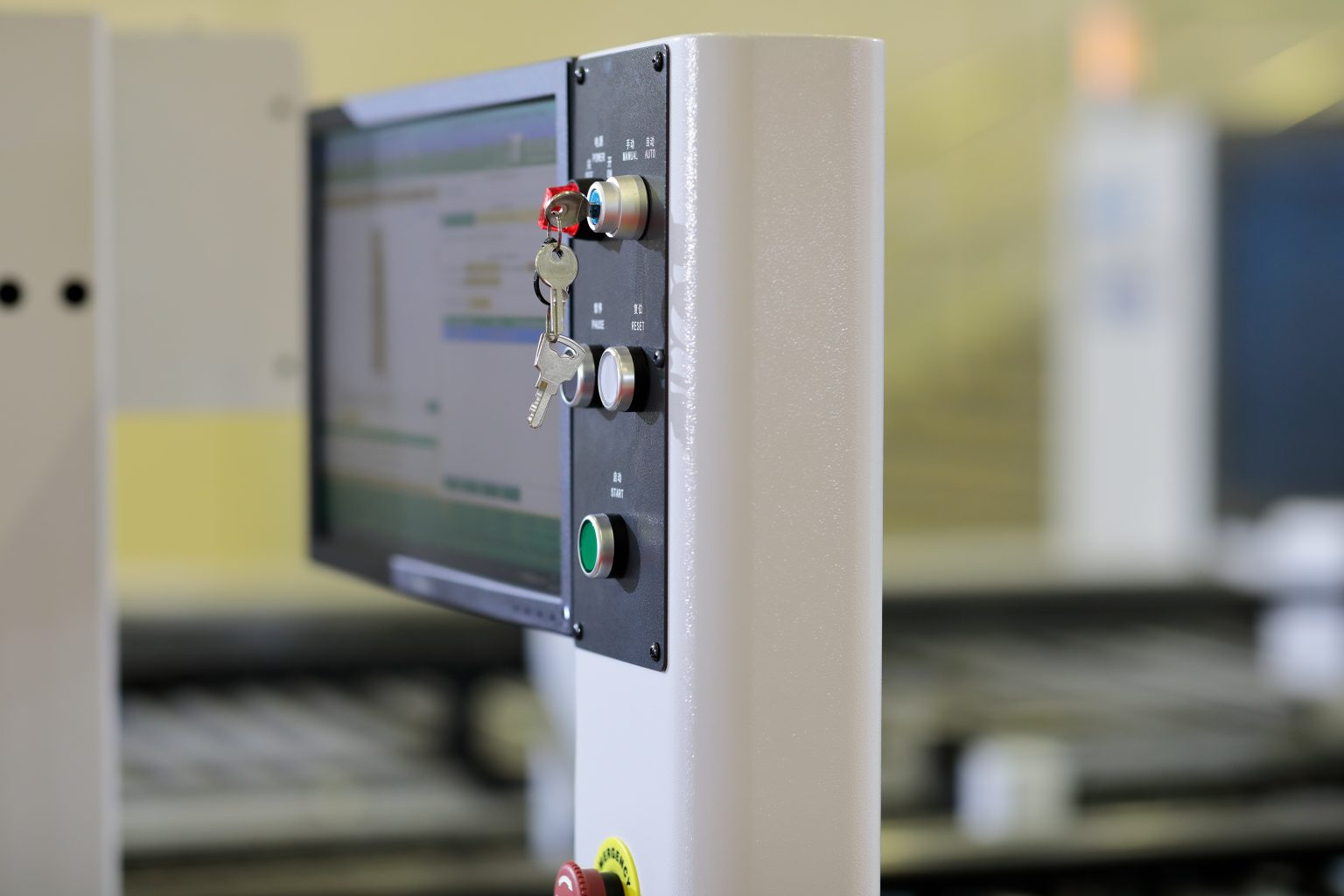
HMI stands for human-machine interface. It’s the touchscreen or button panel operators use to monitor and control equipment: starting and stopping processes, adjusting setpoints, viewing alarms, and checking status. On older equipment, an HMI might be a simple panel with a small display and physical buttons. On newer equipment, it’s typically a full touchscreen running custom graphics built for that specific machine.
The critical detail: an HMI panel is not just a screen. It runs a program, often custom-built by whoever integrated the machine, that defines every screen, button, alarm, and data point the operator sees. That program lives on the HMI itself as a compiled runtime file or gets loaded onto it from a project file.
Why this matters for replacement: A physically identical replacement HMI panel is not a working replacement until the original project file (the screens, logic, and tag database) is loaded onto it, and its operating system/firmware revision matches the application requirements. If that project file exists and is accessible, swapping the panel is straightforward. If the file was lost, never backed up, or is locked to the original integrator password-protected/upload-disabled, replacement becomes a much bigger job than ordering a part.
PLC stands for programmable logic controller. It’s the component that actually runs the control logic: reading inputs from sensors and switches, executing the programmed logic, and driving outputs to motors, valves, contactors, and other actuators. The HMI is the interface through which a person interacts with the machine. The PLC is what actually runs it.
Most industrial PLC systems are modular: a rack holds a power supply, a CPU (processor) module, and various input/output (I/O) modules that connect to field devices. When something fails, it’s usually a single module rather than the entire system, which is good news for repair costs but requires identifying exactly which module is at fault.
A CPU module failure is the trickiest replacement in this category. The control program that runs the machine resides in the CPU’s memory, and it must be present on the replacement module for the machine to function. If a current backup of the program exists, loading it onto a replacement CPU is usually straightforward, assuming the replacement is the same model or a documented compatible upgrade.
If no backup exists, the program may be recoverable by uploading it from the failed CPU (if it still powers on enough to allow this) before replacing it. This is worth attempting before ordering a replacement, not after.
I/O modules are generally simpler to replace than CPU modules. They don’t store the control program; they just handle physical signal connections. Matching the module type, channel count, and signal type (voltage range, current range, sourcing or sinking) is usually sufficient.
Before you order a replacement PLC module, confirm whether a current program backup exists. If it doesn’t, and the failed module still powers on, attempt to upload the program before proceeding with replacement. Once a CPU is completely dead, an unrecoverable program may require rebuilding the control logic from scratch, which is a very different job than placing a parts order.
Walk into almost any plant, and you will find machines running on HMI and PLC hardware that the original manufacturer stopped selling years ago. This is a story I hear all the time: the equipment itself is still solid, but the control hardware is aging, and replacements are getting scarce. That is when people start calling Central Surplus.
For obsolete hardware, an exact model match is the most reliable approach, since a substitute module rarely runs the same firmware or exhibits the same communication behavior as the original. When an exact match isn’t available, a compatible replacement may exist in the same manufacturer’s next-generation product line, but this must be verified against your specific program and network configuration before ordering, not assumed.
Central Surplus sources both current and obsolete HMI panels and PLC modules from Allen-Bradley, Siemens, GE Fanuc, and other major automation manufacturers. Contact our team with the exact model number from the nameplate, and we’ll track it down.
Browse our industrial automation inventory or contact us for sourcing help on hard-to-find control hardware.

Our team can locate, cross-reference, and source all parts.
Our team can locate, cross-reference, and source all parts.